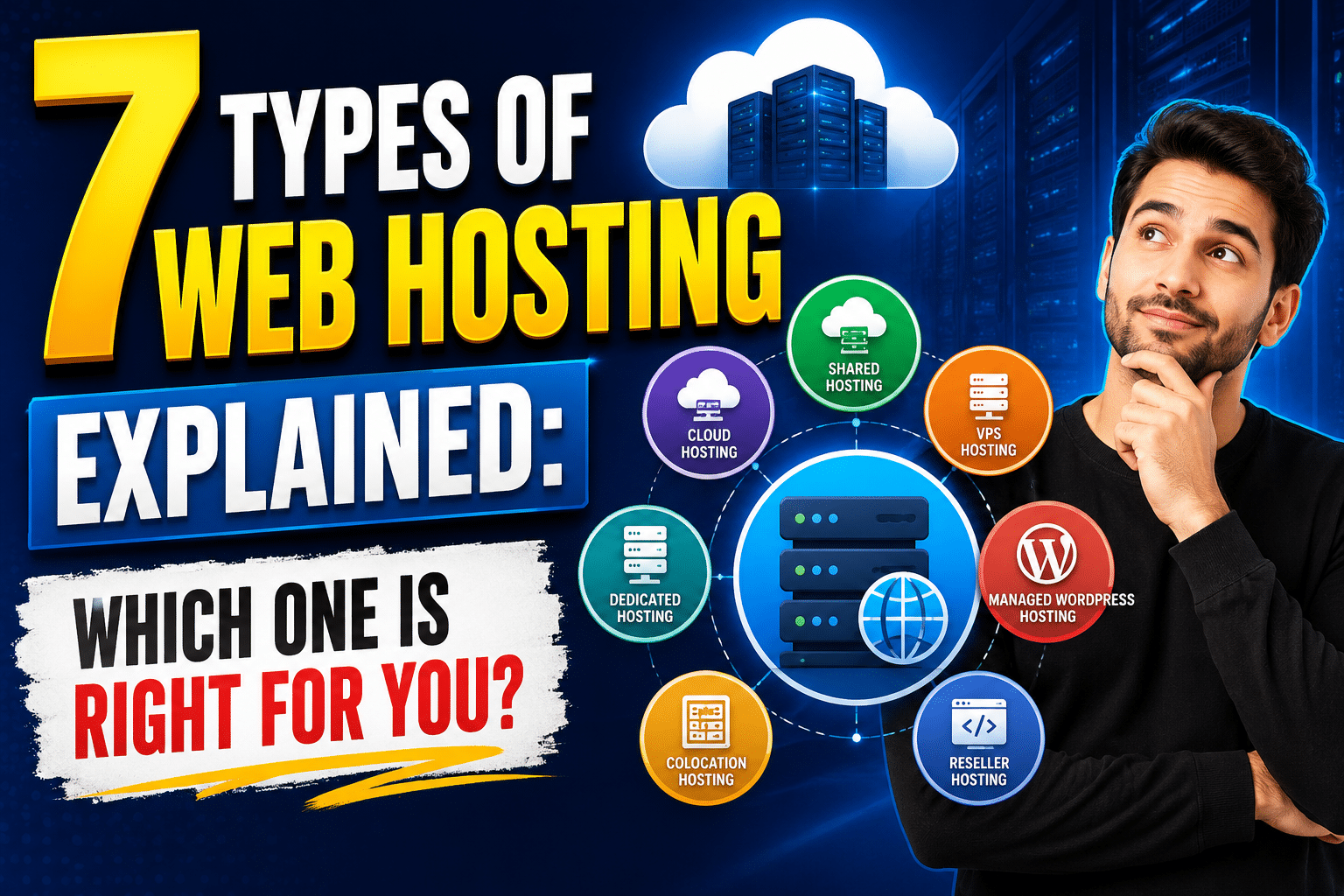
Choosing the right hosting plan can feel overwhelming, especially with dozens of providers all promising “the fastest, most secure, most affordable” service. But before you compare prices or read reviews, it’s important to understand the different types of web hosting available — because the wrong choice can lead to slow load times, security vulnerabilities, or paying for far more (or less) than you actually need.
In this guide, we’ll break down the seven most common types of web hosting, explain how each works, and help you figure out which one fits your website’s needs in 2026.
1. Shared Hosting
Shared hosting is the most beginner-friendly and budget-conscious of all the types of web hosting. Your website is stored on the same server as dozens (sometimes hundreds) of other websites, all sharing the same resources — CPU, RAM, and bandwidth.
Best for: Personal blogs, small business websites, and portfolios with low-to-moderate traffic.
Pros: Extremely affordable, beginner-friendly, minimal technical maintenance required.
Cons: Performance can suffer if other sites on the server experience traffic spikes; limited customization and scalability.
2. VPS (Virtual Private Server) Hosting
VPS hosting splits a single physical server into multiple virtual compartments, each acting as its own independent server. While you still share the physical hardware with other users, your allocated resources are dedicated solely to your site.
Best for: Growing businesses, eCommerce sites, or blogs experiencing increased traffic that has outgrown shared hosting.
Pros: More control, better performance stability, root access for customization.
Cons: Requires more technical knowledge to manage; pricier than shared hosting.
3. Dedicated Hosting
As the name suggests, dedicated hosting gives you an entire physical server exclusively for your website. None of your resources are shared with anyone else.
Best for: Large businesses, high-traffic websites, and platforms requiring maximum performance and security.
Pros: Full control over server configuration, maximum performance, enhanced security.
Cons: Expensive; typically requires in-house or outsourced IT expertise to manage properly.
4. Cloud Hosting
Cloud hosting distributes your website across a network of interconnected virtual servers rather than relying on a single physical machine. If one server experiences an issue, another automatically takes over, minimizing downtime.
Best for: Websites with unpredictable or rapidly growing traffic, and businesses that prioritize uptime and scalability.
Pros: Highly scalable, reliable uptime, pay-as-you-go pricing models in many cases.
Cons: Costs can become unpredictable with high usage; slightly more complex to configure than shared hosting.
5. WordPress Hosting
WordPress hosting is a specialized type of hosting optimized specifically for websites built on WordPress. Providers often include pre-installed WordPress software, automatic updates, specialized caching, and enhanced security tailored to the platform.
Best for: Bloggers, small businesses, and agencies building sites specifically on WordPress.
Pros: Optimized performance for WordPress sites, simplified setup, often includes WordPress-specific support.
Cons: Less flexible if you ever want to switch away from WordPress; may include restrictions on plugins or themes depending on the provider.
6. Managed Hosting
Managed hosting takes server maintenance completely off your plate. The hosting provider handles updates, security patches, backups, and performance monitoring, allowing you to focus purely on running your website or business.
Best for: Business owners who want a hands-off approach to technical maintenance.
Pros: Minimal technical involvement required, proactive security monitoring, expert support.
Cons: Typically more expensive than self-managed hosting options.
7. Colocation Hosting
Colocation hosting is different from the rest — instead of renting server space from a provider, you own the physical server hardware but house it in a third-party data center. The data center provides power, cooling, internet connectivity, and physical security.
Best for: Large enterprises or organizations with strict compliance and control requirements over their hardware.
Pros: Full control over hardware specifications, enhanced security compliance options.
Cons: High upfront hardware costs, requires specialized IT staff for setup and troubleshooting.
How to Choose the Right Type of Web Hosting
Now that we’ve covered the main types of web hosting, here’s a quick decision framework to help you choose:
- Just starting out with a small site? → Shared Hosting
- Growing traffic and need more control? → VPS Hosting
- Running a large business with heavy traffic? → Dedicated Hosting
- Need flexibility and high uptime? → Cloud Hosting
- Building specifically on WordPress? → WordPress Hosting
- Want zero technical maintenance? → Managed Hosting
- Need full hardware ownership with data center benefits? → Colocation Hosting
Key Factors to Consider Beyond Hosting Type
Regardless of which of the types of web hosting you choose, keep these factors in mind when comparing providers:
- Uptime guarantee – Look for providers offering at least 99.9% uptime.
- Customer support – 24/7 support via live chat, phone, or ticketing systems can save you during emergencies.
- Scalability – Choose a host that allows you to upgrade easily as your website grows.
- Security features – SSL certificates, malware scanning, and automated backups are non-negotiable in 2026.
- Server location – Hosting closer to your target audience improves load times and SEO performance.
Final Thoughts
Understanding the different types of web hosting available is the first step toward building a website that performs well, scales smoothly, and keeps your visitors happy. Whether you’re just starting out with shared hosting or scaling up to a dedicated server, matching your hosting choice to your actual needs — rather than simply picking the cheapest or most popular option — will save you headaches down the road.